Plan your website
So you want a website? Start here.
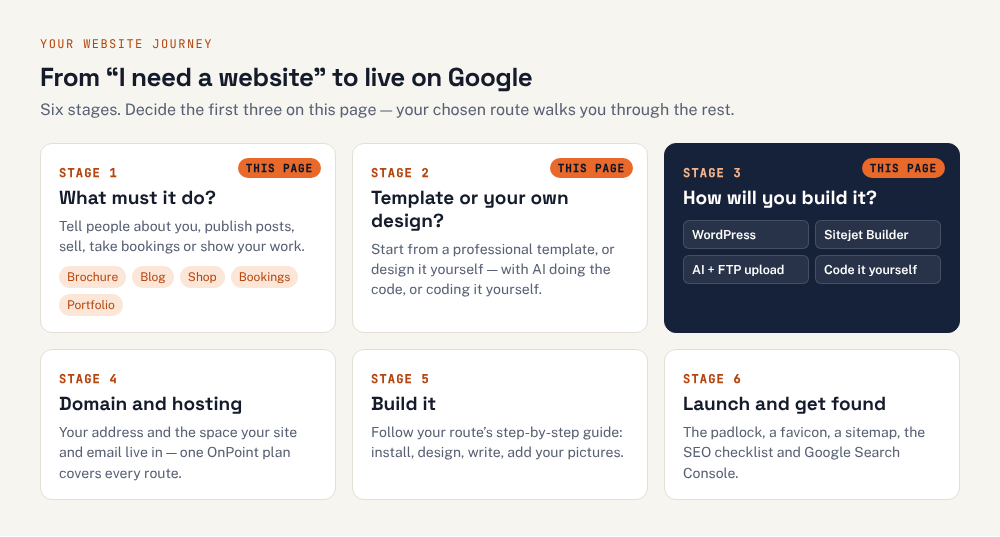
Before you buy anything or pick a builder, take two minutes to decide what your site needs to do and how you’d like to make it. Then follow the route that fits — every one ends with a website at your own address.
Side by side
| WordPress | Sitejet Builder | Build it with AI | Code it yourself | |
|---|---|---|---|---|
| Best for | Blogs, shops, bookings and sites that will grow | Brochure sites, small businesses, portfolios — quickly | Custom-looking brochure and portfolio sites, fast | People who want to understand and control everything |
| Design | Templates (themes), customised in a visual editor | Templates, edited by drag and drop | Your own design — the AI writes the code | Your own design, written by you |
| Skills | Some learning; no code needed | None — it’s point and click | Clear writing and careful checking; basic file uploads | You’ll learn as you go |
| Online shop | Yes — WooCommerce (free) | Paid add-on | Hard; link to a shop service | Advanced project |
| Updates to keep up with | Regular: WordPress, theme, plugins | None — handled for you | Very few | Very few |
| Someone else can edit it | Yes, from a dashboard | Yes, in the builder | Not easily | Not easily |
Whichever way you choose, you’ll need
A domain name and hosting. The address and the space your site lives in — what each one is and how renewals work. We build on OnPoint Hosts, which includes WordPress, Sitejet Builder and FTP on every plan. Choose your domain name.
Email at your own domain. It comes with the hosting, not the website — create your addresses.
The words and pictures. Write what you do, who it’s for and how to get in touch, and gather your logo and photos. Create a logo.
To be found on Google. Once you’re live: the SEO checklist and Google Search Console.
Questions people ask at the start
Which is cheapest?
All four run on the same hosting, so the main cost is the same: hosting from £4.25 a month plus VAT on OnPoint, with a free .com, .net or .org for the first year on annual plans. Sitejet Builder and WordPress are included at no extra cost; paid WordPress themes or plugins, Sitejet’s shop add-on, or an AI subscription are optional extras.
Can I change my mind later?
Yes, but the content may need rebuilding. Your domain, hosting and email stay put whichever way you build; what changes is the website itself. Moving away from Sitejet or a hand-built site to WordPress (or the other way) means recreating the pages, so pick the way that suits where the site is heading.
Can AI build me a WordPress site?
AI assistants are very good at helping with WordPress: writing page text, explaining settings, writing custom CSS or a small plugin. But WordPress itself is installed from cPanel and edited in its dashboard. The “build it with AI” route on this page means asking the AI to write the pages themselves as HTML files.
Do I need to know how to code?
No. Sitejet and WordPress need no code at all. Building with AI needs no coding either, but you do need to check the pages carefully and upload files. Coding it yourself is the route for people who want to learn.
What about email at my own domain?
That comes with the hosting, not the website, so it works the same whichever way you build. See creating email addresses in the Hosting & cPanel guides.