Part 1 — Prove that you own the site
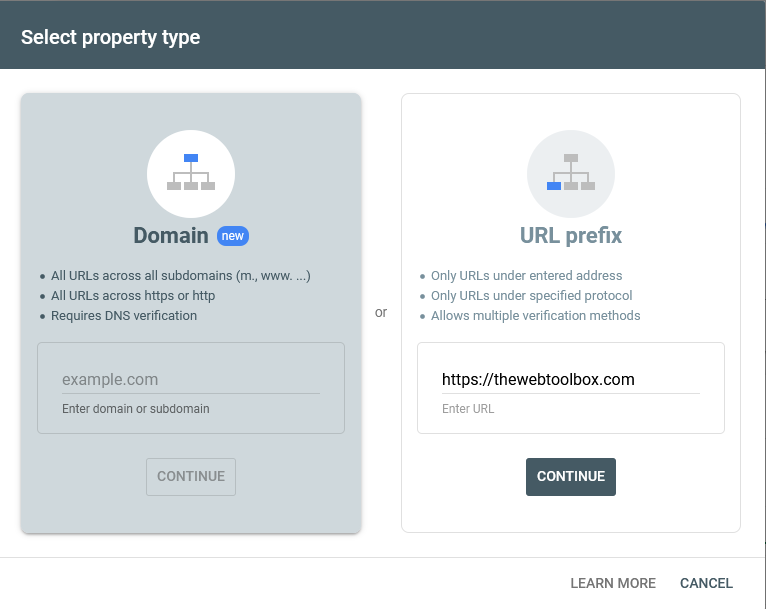
Go to Google Search Console and sign in with a Google account. You’ll be asked what kind of “property” to add:
| Property type | Covers | Verify by |
|---|---|---|
| Domain (recommended) | Every version of your site: http and https, with and without www, and any subdomains | Adding a TXT record to your domain’s DNS (in cPanel: Zone Editor) |
| URL prefix | Only addresses starting exactly as you type them, e.g. https://thewebtoolbox.com | Uploading a file, adding a meta tag, Google Analytics, or DNS |
We used a URL-prefix property with the file-upload method, as shown here:
-
Enter your site’s full address in the URL prefix box — for us,
https://thewebtoolbox.com— and select Continue.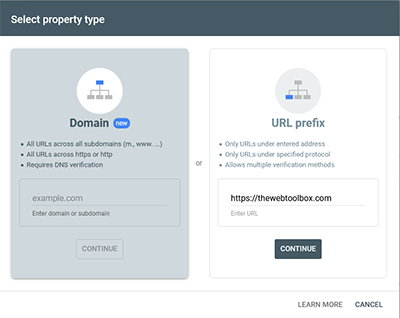
Figure 1 — enter the full address in the URL prefix box. -
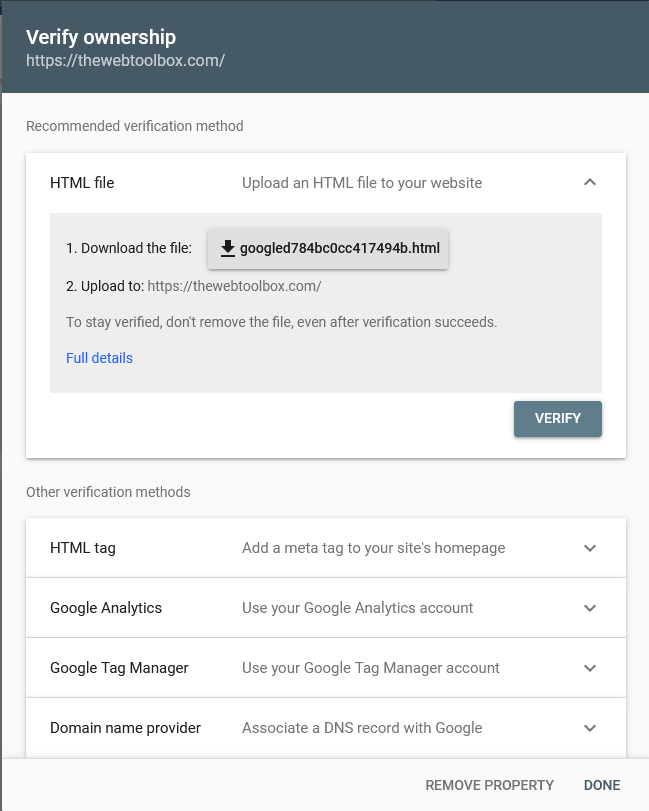
Choose the HTML file method and download the file. Ours was called
googled784bc0cc417494b.html. Upload it to your site’s root folder, then select Verify.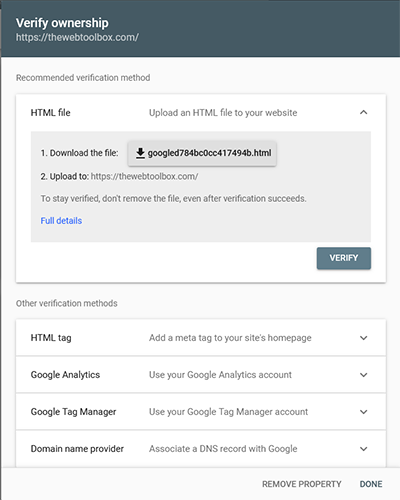
Figure 2 — download the verification file. -
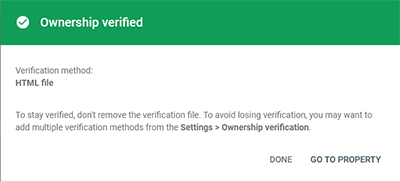
Google checks for the file straight away. You should see Ownership verified. Select Go to property.
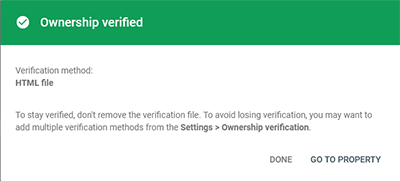
Figure 3 — ownership verified.
Part 2 — Submit your sitemap
-
In the menu on the left, select Sitemaps.
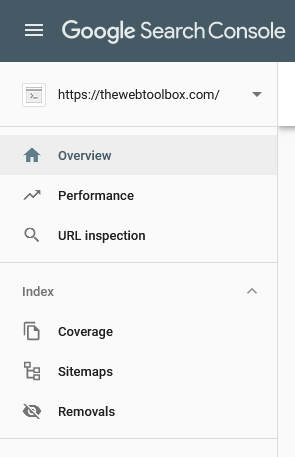
Figure 4 — the Search Console menu. -
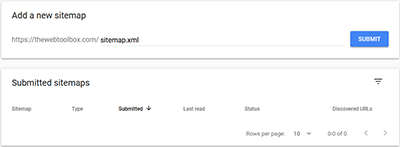
Type the sitemap’s address — normally just
sitemap.xml— and select Submit.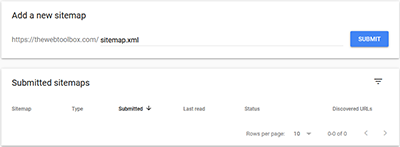
Figure 5 — add the sitemap name. -
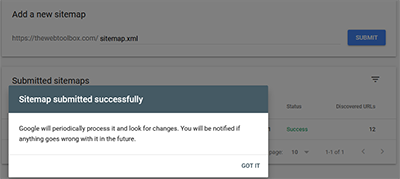
You should see Sitemap submitted successfully.
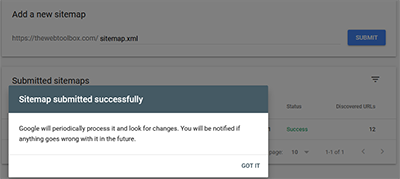
Figure 6 — sitemap submitted. -
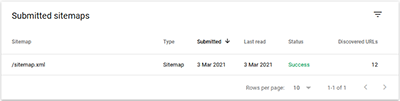
After a while Google shows how many addresses it discovered. This should match the number of pages in your sitemap.
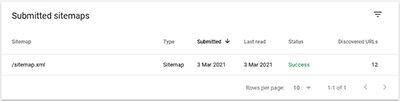
Figure 7 — discovered addresses.
The reports worth checking
- Performance — the searches people found you with, how often you appeared, and how many clicked.
- Pages (indexing) — which pages are in Google, which aren’t, and why.
- URL Inspection — paste any address to see how Google sees it, and ask it to re-crawl a page you’ve updated.
- Core Web Vitals — pages Google thinks are slow or jumpy on phones and computers.
- Enhancements — problems with your structured data, such as breadcrumbs.
Be patient
It can take days or weeks for Google to crawl your sitemap and index your pages — don’t be surprised if you see very little for a month. If Google finds problems, Search Console will email you with the details.
While you wait, add your site to Bing Webmaster Tools too — it can import everything from Search Console in a couple of clicks.